
Home / Colour visualiser
See your pool in our colours
Upload a photo of your own pool and preview it in all eight of our gelcoat colours. Your photo stays on your device. Nothing is uploaded.
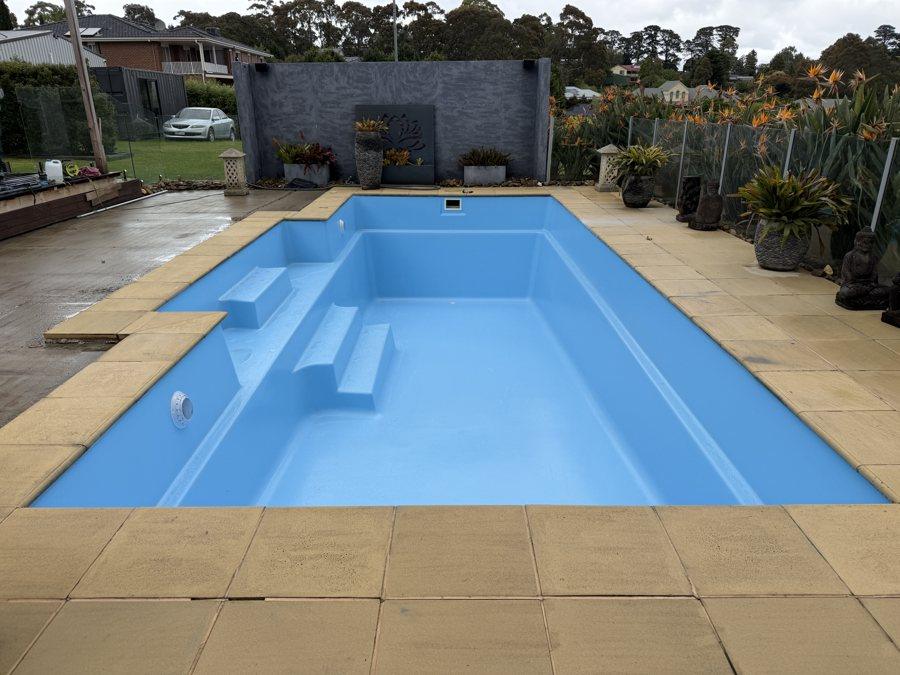 Colour preview
Tap the pool surface to select it. Tap again to add any areas we missed.
1. Choose a colour
2. Fine-tune the selection
3. Keep it
This is a guide only. Water, sunlight, shade and your screen all change how a colour looks. We bring physical samples to your free inspection.
Tips
Getting a good preview
- Use a daylight photo of an empty or clear pool, taken from a corner.
- Tap the pool floor and walls. If part is missed, tap it as well.
- If the selection spills onto paving, lower the selection spread and tap again.
- Coping, tiles and fittings stay as they are, just like on the real job.
Questions
Common questions
Is my photo uploaded anywhere?
No. The preview is made in your browser on your own device. Your photo is not sent to us or stored anywhere unless you choose to email it to us.
How accurate is the colour preview?
It is a guide only. Water depth, sunlight, shade and your screen all change how a colour looks. We bring physical samples to your free inspection so you can see the real finish.
What photo works best?
An empty or clear pool in daylight, taken from a corner so most of the pool is in frame. Avoid heavy shade or reflections across the surface.